
FBA & Logistics
Amazon FBA for Beginners: How Fulfillment by Amazon Actually Works in 2026

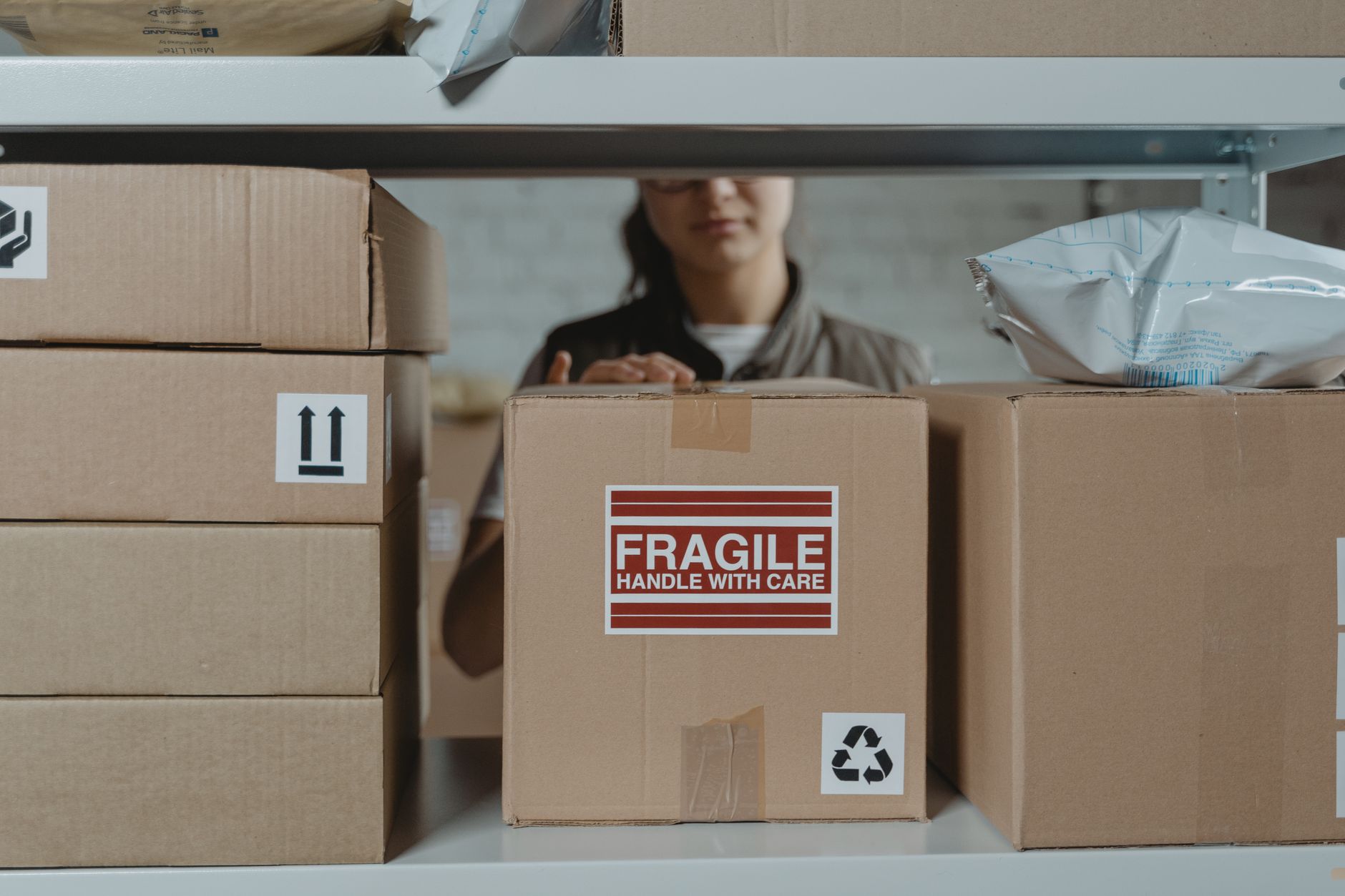
Most people who hear “Fulfillment by Amazon” picture a magic button. You ship your products to Amazon, they store them, they pack them, they ship them, and you sit back. That picture is mostly right. What it leaves out is the part that decides whether FBA makes you money or quietly eats your margin one fee at a time.
We have been selling on Amazon since 2017, and FBA is the backbone under almost every account we run. It is also the single system new sellers misread the most, because the mechanics are simple but the math is not. This is the plain English version of how FBA works in 2026, what it costs, where beginners lose money, and how to tell if it is actually working for your product.
No theory. This is the same walkthrough we give a new client on day one.
What FBA Actually Is
Fulfillment by Amazon is Amazon’s warehousing and shipping service for third party sellers. You send your inventory into Amazon’s fulfillment network, Amazon stores it, and when a customer buys, Amazon picks the item, packs it, ships it, and handles returns and most customer service on that order.
The trade you are making is straightforward. You give up control of the box and you pay per unit for the convenience. In return you get Prime eligibility, which is the real reason FBA exists. A Prime badge on your listing is the difference between a shopper who buys today and a shopper who scrolls past to a competitor who can get it to them in two days.
That is the whole pitch. Storage plus shipping plus Prime, priced per unit, so you never touch a shipping label. Everything else in this post is about the cost of that trade and how to make sure it pays off.
Where FBA Sits Next to FBM
The alternative is Fulfillment by Merchant, or FBM, where you store and ship every order yourself. FBM gives you full control and no per unit Amazon fulfillment fee, but you are on the hook for Prime speed on your own, which most sellers cannot match. For most physical products under a few pounds, FBA wins because Prime wins. For heavy, oversized, slow moving, or low margin items, FBM sometimes makes more sense. Plenty of accounts run both, FBA on the fast movers and FBM on the awkward ones.
The Fees That Actually Come Out of Every Sale
This is the part beginners skip and then wonder where their margin went. Every FBA sale has two guaranteed costs before you count your product cost or your ad spend.
The first is the referral fee. This is Amazon’s commission for selling on the marketplace, and it applies whether you use FBA or FBM. For most categories it is 15% of the total sale price, and across categories it generally runs somewhere in the range of 8% to 15%, though a few categories sit higher or lower. Referral fees have stayed flat most years; check Seller Central’s fee schedule for current rates. Fifteen percent is the number to plan around unless your specific category says otherwise.
The second is the FBA fulfillment fee. This is the per unit charge for the pick, pack, and ship, and it is priced by the size and weight of your product. A small light item costs less to fulfill than a big heavy one. Amazon nudges FBA fulfillment fees up a small amount most years, usually announced in the fall for the following January; check Seller Central for the current figure for your size tier. Small on any single unit. Real when you multiply it across thousands of sales.
There is one more cost worth knowing about early. Multiple industry trackers reported a fuel and inflation related surcharge of 3.5% layered on top of FBA fulfillment fees starting April 17, 2026. Amazon’s headline fee announcement did not spell this out, so treat the exact figure as reported rather than gospel, but the direction is what matters: your per unit fulfillment cost creeps up over the year, and your pricing needs to assume that.
The sellers who lose money on FBA almost never lose it on the product. They lose it on the fees they never modeled before they set their price.
Before you set a single price, model these. Take your sale price, subtract the referral fee, subtract the fulfillment fee, subtract your landed product cost, and subtract your expected ad spend. What is left is your actual margin. If that number is thin before you have run a single ad, FBA is not your problem. Your pricing is.
Run your free audit
See Where Your Amazon Ad Spend Is Leaking in 60 Seconds
Fees are only half the margin story. The other half is wasted ad spend. Upload your Search Term Report and instantly see which keywords are burning cash on your account. It is the same first look we run on every new client.
Analyze My Ads FreeStorage Is Where Slow Products Bleed
Fulfillment fees hit when something sells. Storage fees hit whether it sells or not, and this is where new sellers get quietly punished for over ordering.
Amazon charges a monthly inventory storage fee based on the cubic feet your products occupy in the fulfillment center, and that rate is higher in the fourth quarter when warehouse space is tight. Store a lot of slow moving inventory through the holidays and the storage bill alone can turn a profitable SKU into a loss.
On top of that, Amazon adds an aged inventory surcharge on units that sit too long. That surcharge begins once a unit has been in a fulfillment center for 181 days, and it climbs the longer a unit sits; check Seller Central’s current storage fee schedule for the exact tiers. The message from Amazon is not subtle. They do not want to be your long term warehouse, and they price it so you feel it.
For a beginner the practical takeaway is about order size, not fee tables. Order what you can reasonably sell in a few months, not a year. Watch your inventory age. Move slow sellers before they cross the 181 day line, either by discounting them, advertising harder, or removing them.
Getting Inventory Into Amazon Without Tripping
Before Amazon can fulfill anything, your inventory has to physically arrive at its fulfillment centers, and this first mile trips up more new sellers than the fees do.
You create a shipping plan inside Seller Central, Amazon tells you which fulfillment centers to send to, you label every unit with its FBA barcode (the FNSKU), you box everything to Amazon’s packaging rules, and you book the freight. Get the prep or labeling wrong and your shipment can end up delayed, refused, or sitting as stranded inventory that is in the building but not available to sell.
Two mistakes cause most of the pain. The first is under forecasting lead time. Between manufacturing, freight, and Amazon receiving and shelving your units, the gap between “I ordered stock” and “it is live and sellable” is often several weeks, sometimes more during busy periods. The second is running out. When you sell through and go out of stock, your ranking and momentum drop, and clawing that back after a restock costs far more than the sale you missed. Plan your reorders off your sell through rate, not off a gut feeling.
We wrote a full walkthrough of the reorder and forecasting side in our FBA inventory planning guide, because inventory math is where more FBA accounts win or lose than anywhere else.
How to Tell If FBA Is Actually Working
FBA is working when it does two things: it keeps you in stock without burying you in storage fees, and it leaves real margin after every fee is counted. Watch a short list of numbers and you will know.
- Watch your net margin per unit after all fees, not your revenue. Revenue feels good and tells you nothing. The number that matters is what lands in your pocket after the referral fee, the fulfillment fee, product cost, and ad spend.
- Watch your inventory age. If units are pushing past 90 days with no plan to clear them before the 181 day surcharge line, that is a reorder problem to fix now, not at the 15th of next month when Amazon assesses the surcharge.
- Watch your in stock rate. Going out of stock on a ranking product is one of the most expensive mistakes on Amazon, and it is entirely preventable with a reorder trigger tied to your sell through.
- Watch your Account Health. FBA does not shield you from listing suppressions, policy flags, or performance dings, and a healthy account is the ground everything else stands on. Our Amazon account health guide covers what to monitor so a fixable warning never becomes a suspended listing.
When we take over a new account, this is the exact math we run first, and it is often where the fastest wins hide. You can see the shape of that kind of turnaround in our case study on 128% sales growth in 60 days.
The One Thing to Get Right First
FBA is not the hard part. Amazon built the warehousing and shipping to be close to automatic, and for most physical products it is the right call the day you decide to sell seriously on Amazon. The hard part is the math around it: pricing that survives every fee, order sizes that do not rot in storage, and reorders timed so you never go dark.
Get that right and FBA becomes exactly what it looks like from the outside, a machine that stores, packs, and ships while you focus on the product and the growth. Get it wrong and it becomes a slow drip of fees on inventory you ordered too much of. The difference is not the program. It is the operator running it.
If you want a second set of eyes on where your Amazon money is actually going, our free PPC audit surfaces the ad spend leaks in about a minute, and it is the same first look we run on every account we take on.
FBA rewards the operator who does the boring math before the first order, not the one who hopes the fees work out. Start with the numbers and the machine works for you.